
Your AI sitelooks likeevery AI site.
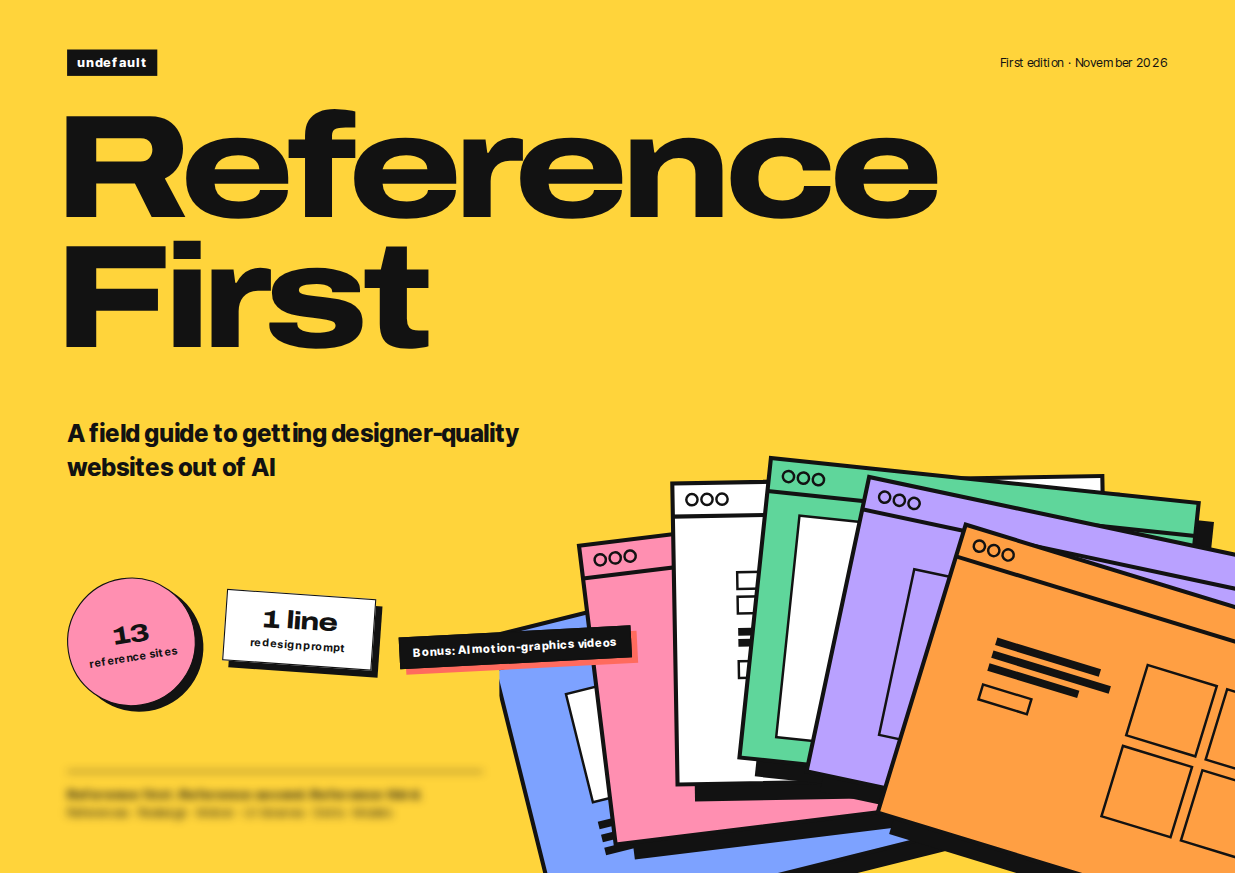
Reference First is the exact routine I use to get designer-level sites out of AI. No design skills, short prompts, the same steps every time.
3 languages: English · Korean · Japanese PDF
- Works with any AI agent
- Free updates by email
- 7-day refund
 Claude Code
 Codex
 Cursor
 Antigravity
 GitHub Copilot
 Claude
 ChatGPT
 Gemini
 Kiro
 Junie
 Cline
 Roo Code
 Trae
 Amp
 OpenCode
 Devin
 Replit
 Lovable
 v0
 Kimi
 Qwen Code
Same prompt. Same purple gradient.
AI fills every blank you leave with its defaults. The guide shows you how to fill those blanks before AI does.
- Purple gradient
- Everything centered
- Emoji labels
- Glow
- Real color
- Real type
- Real layout
Three steps. The last one is one line.
- 1
Let AI build it
Start the way you already do, with a short prompt.
P1The exact prompt is in the guide - 2
Add the missing piece
The one thing AI can't get from your prompt. The guide shows where to find it and how to choose.
Where and how: in the guide - 3
Ask in one line
Send one line. It's the prompt I use most.
P2The exact prompt is in the guide
This page is the proof.
I built this page with Claude Opus 5.5 (max), following the guide step by step. The design you're scrolling came out in one shot. No designer, no Figma.
Claude Opus 5.5 · maxEverything in one download.
The know-how PDF
My whole method in 7 parts and a bonus. In English, Korean and Japanese.
Prompt kit
P1–P12 and a plain-text copy kit with every prompt, command and link.
Site picks
My list of 13 free or freemium sites: what each is best for and where to start. Links only — the sites are theirs.
Skill & library picks
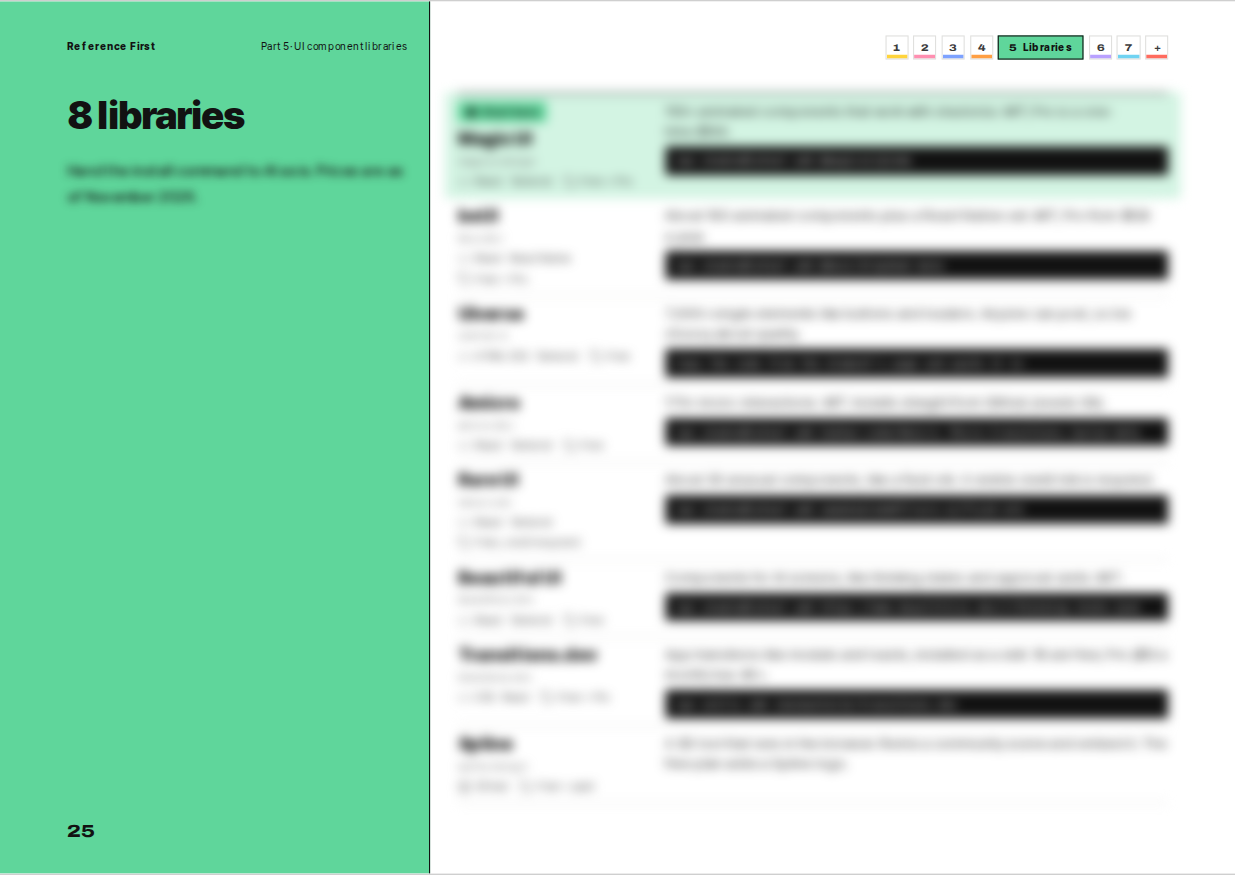
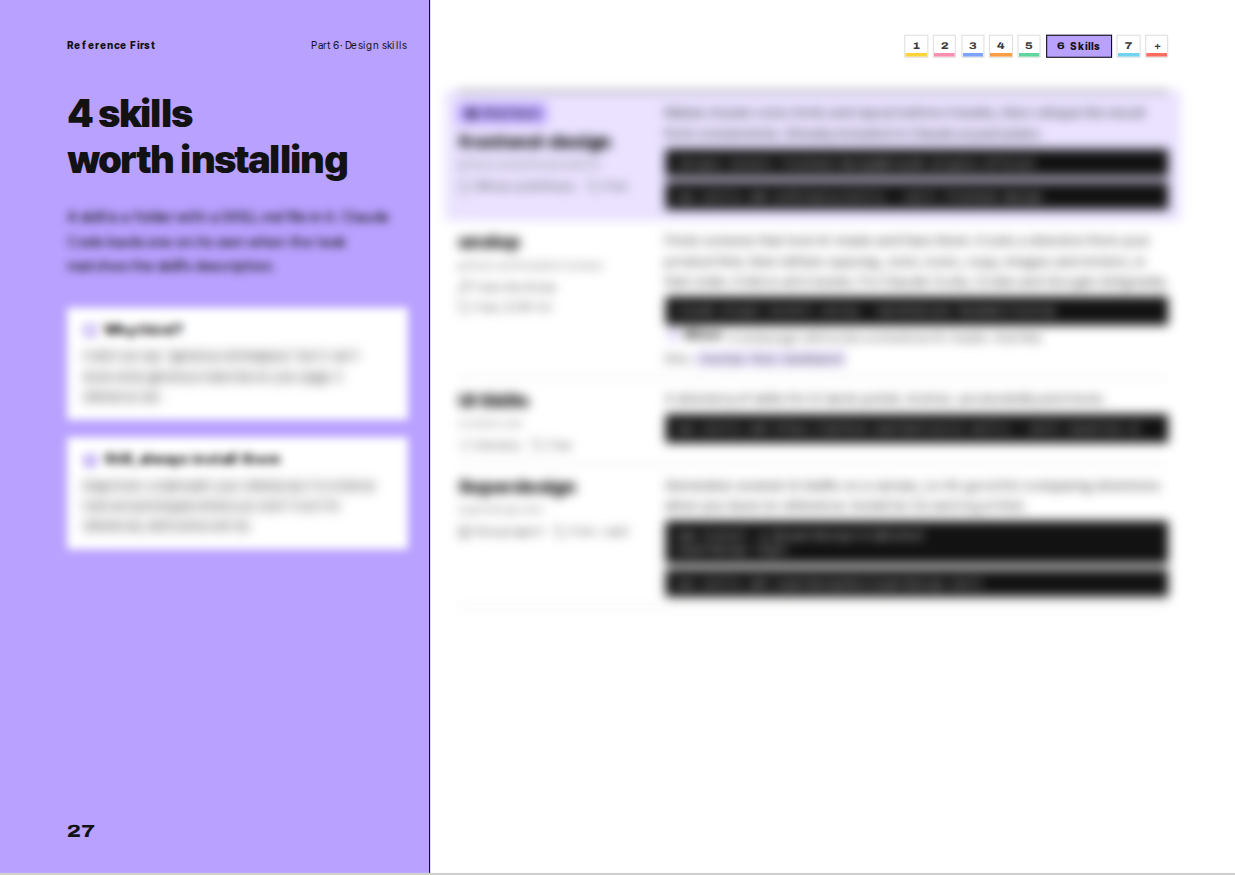
Which 4 design skills and 8 UI libraries I'd install, and how to use them. A curated guide, not the tools themselves.
Free updates, for good
Tools change fast. When a new version is out, I email you at your order address. Free, every time.
7-day refund
Not for you? Full refund. Tell me why and you may get a fixed version too.
Made to be looked at.
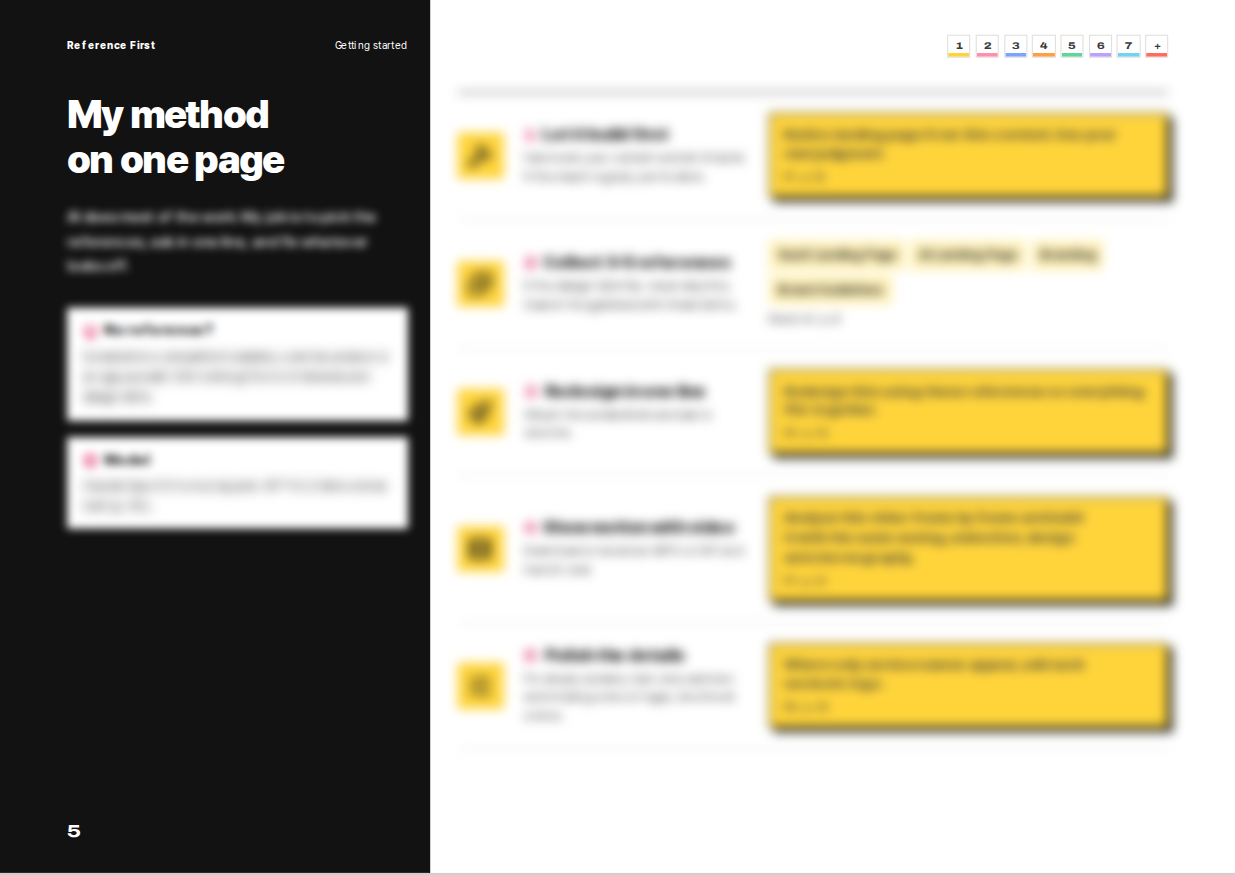
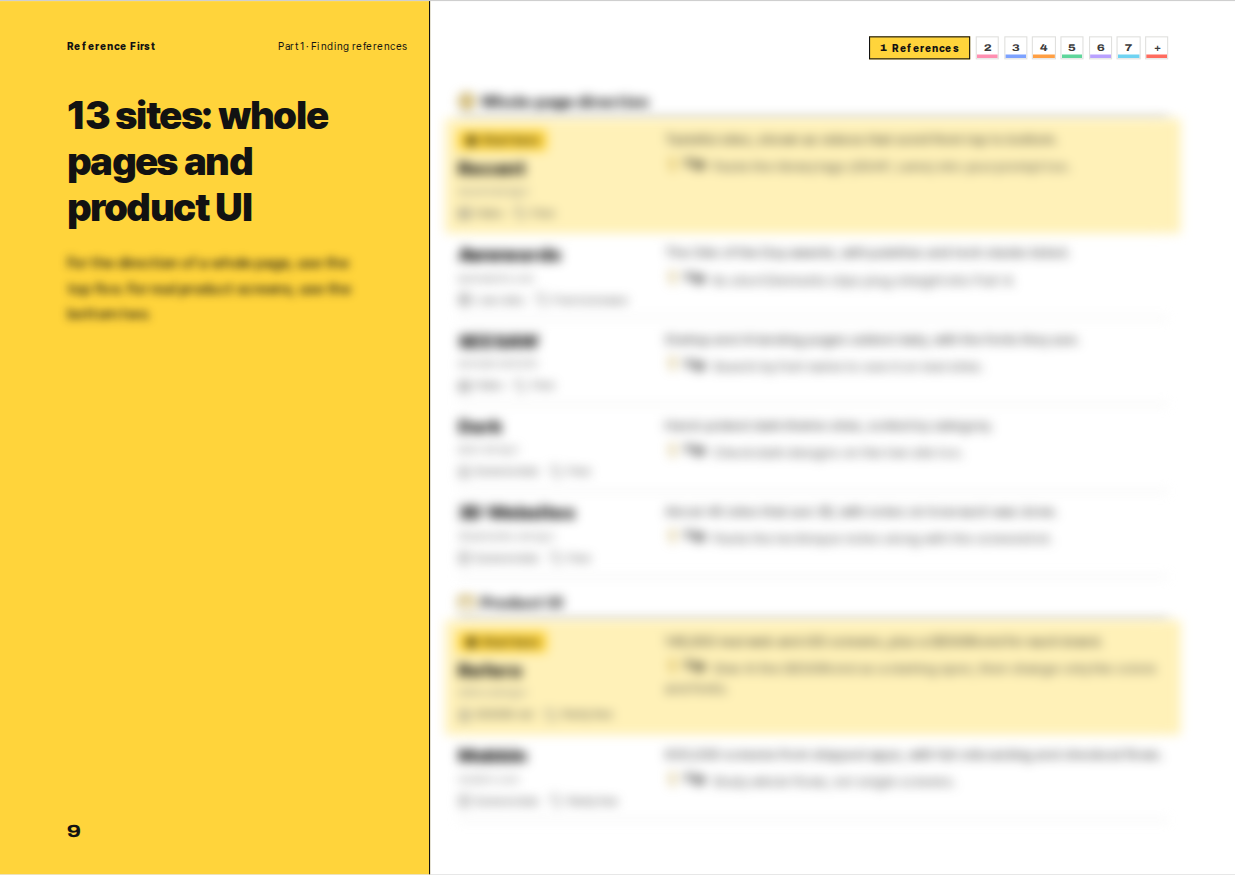
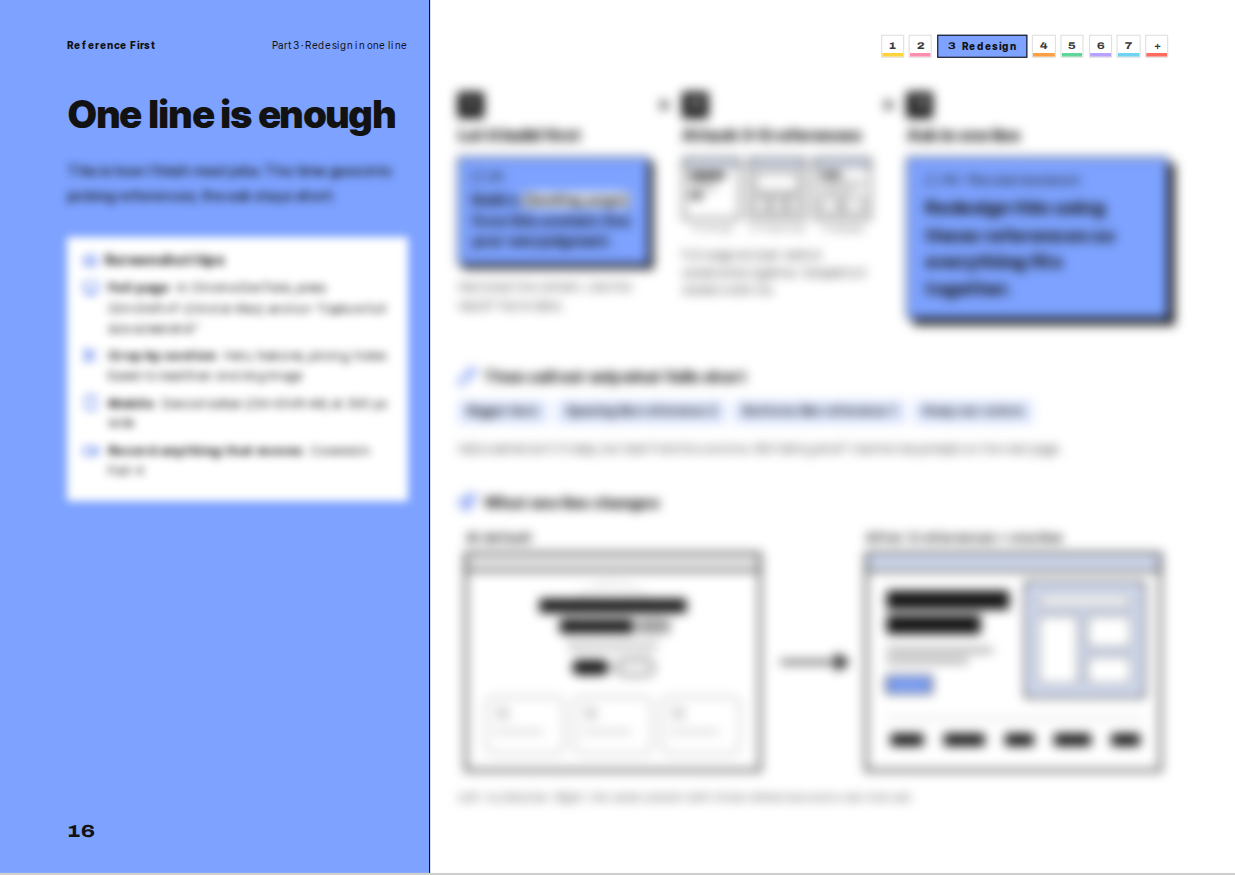
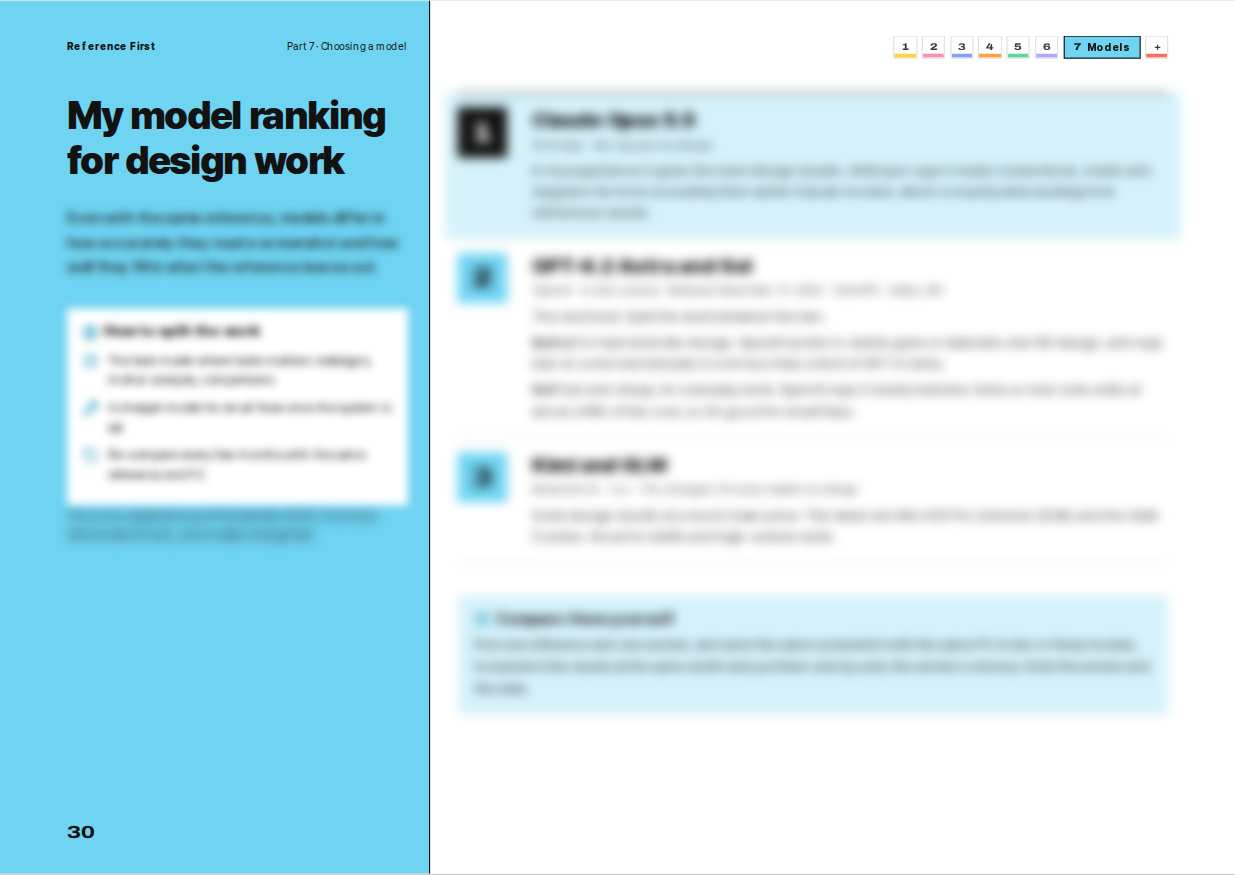
Real pages from the guide. Details are blurred here; the full pages are yours after checkout.
For you if
- You're new to vibe coding and want your sites to look designed.
- You build with Claude, ChatGPT, Codex, Cursor, Antigravity or v0, and it all looks the same.
- You have no design training and want a method you can repeat.
- You'd rather follow clear steps than learn theory.
Not for you if
- You're already good at AI design and have your own routine, prompts and skills. Most of this will feel familiar.
- You want design theory or a Figma workflow.
- You want templates to download. This is a method and a curated list.
- You want a 500-prompt mega pack. The prompts are short on purpose.
$19 now. $29 after Dec 14.
Why $19 right now?
This is the first edition. Real before/after cases are on the way, and the price goes to $29 on Dec 15. Buy now and every update is yours, free.
Launch price ends in
- The know-how PDF (7 parts + bonus) in English, Korean and Japanese
- Prompt kit: P1–P12 + copy kit (.txt)
- Curated picks: 13 sites, 4 skills, 8 UI libraries
- Model picks for design work
- Every future update, free, with an email when it's out
- 7-day refund, no conditions
Secure checkout by Polar · Card, Apple Pay, Google Pay · USD
Try it for 7 days. Keep it only if it helps.
Email within 7 days
One line to support@nevrixo.dev is enough.
Full refund, no conditions
You don't need a reason. The refund goes through either way.
Tell me why, if you like
If it's a fair point, I fix the guide and send you the revised version free. Even after your refund.
Questions
What language is the PDF in?
English. The Korean and Japanese editions are in the same download, at no extra cost.
Which AI or agent do I need?
Any. The method works with whatever you already use: Claude, ChatGPT, Gemini, Claude Code, Codex, Cursor, Antigravity, v0 and so on. Parts 1–3 only need an AI that accepts images. For the motion, library and skill chapters, any coding agent will do.
Do I get the UI libraries and skills themselves?
No. The guide tells you which ones I'd pick, why, and how to use them, with links and install commands. The sites, libraries and skills belong to their makers, and most are free.
I'm already experienced. Is it worth it?
Probably not much. It's made for people starting out with vibe coding. If you already have your own design routine, prompts and skills, you'll know most of it. Still curious? There's the refund.
How long is it?
38 landscape pages, about 30 minutes to read. The rest is doing.
Can I read it on my phone?
The PDF is landscape, made for a laptop or tablet. On a phone, open the copy kit (.txt). It has every prompt, command and link.
Can I use it for client work?
Yes. Use the prompts and checklists in any project, including client and commercial work. Please don't share or resell the files. Need it for a team? Email me.
Checkout won't load inside Instagram.
Instagram's in-app browser blocks some payment methods. Tap ⋯ at the top right, choose “Open in browser”, and try again. Cards work everywhere; Apple Pay shows up in Safari, Google Pay in Chrome.
How do updates work?
When a new version is out, I email you at the address you used to order. The new file is already in your Polar customer portal. Download it anytime, free.